Hire your first AI team member today.
Describe a job in plain English. Your agent does it for real — sends the emails, updates the records — asks before anything risky, and always shows you why.
See how it works ↓“Hi, I’m Meera. I draft replies in your voice and flag what needs you.” Inbox & Replies.
Describe the job. Answer three questions. Meet your agent.
No flowcharts, no setup wizards. Tell Zoron what you’d tell a new hire on their first day — “when a payment lands, thank the customer and update the books” — and meet the team member who’ll do it.
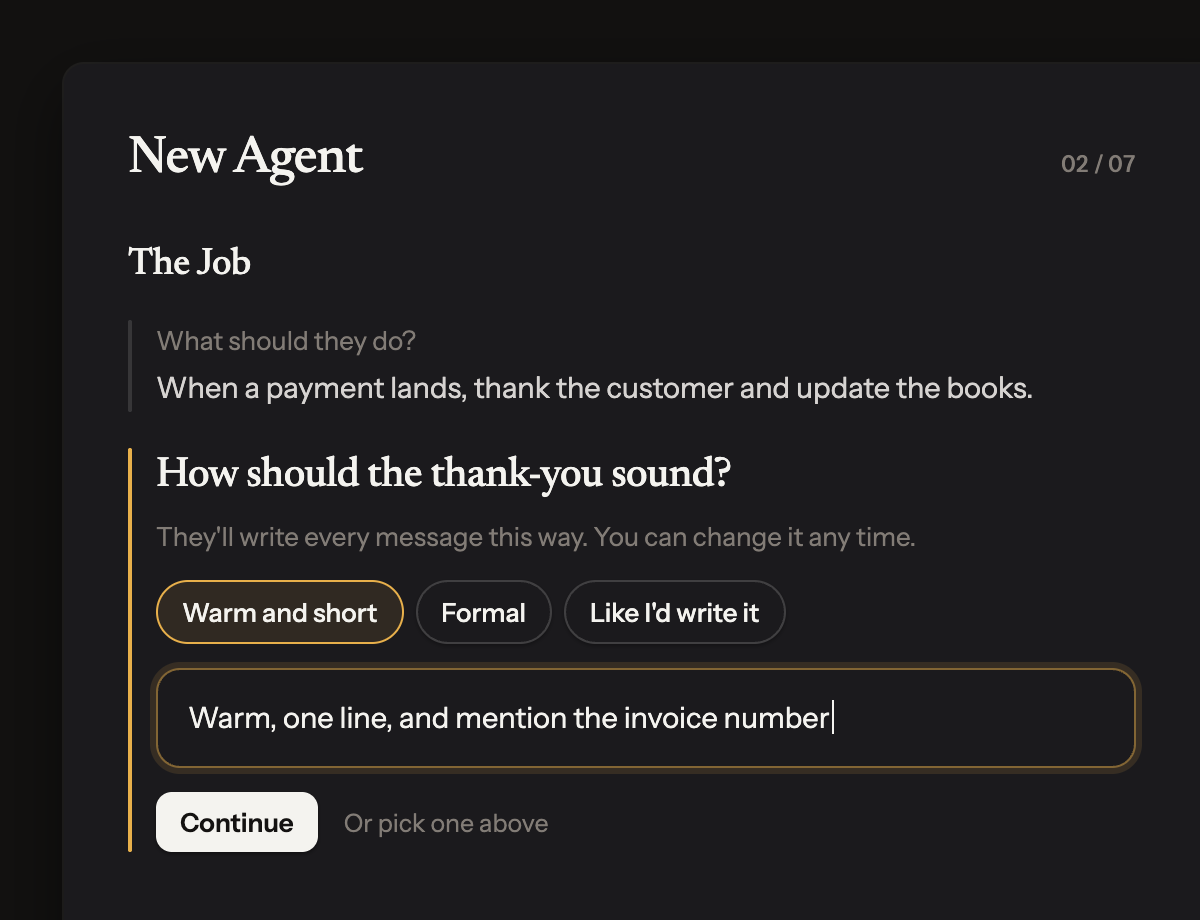
Real triggers, real systems — real work.
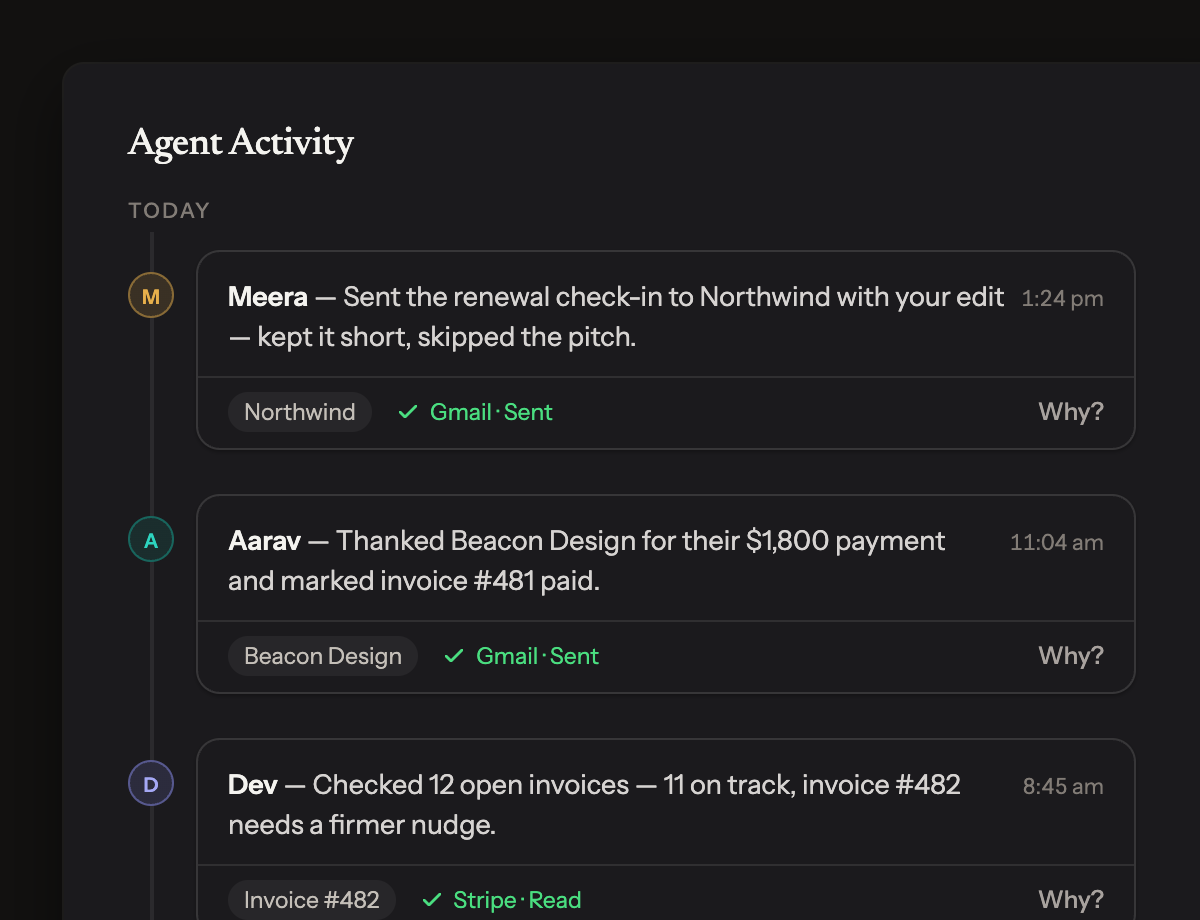
Emails sent, records updated, follow-ups scheduled. Your agents work in the tools you already use, not in a sandbox — and their day shows up in your feed as it happens.
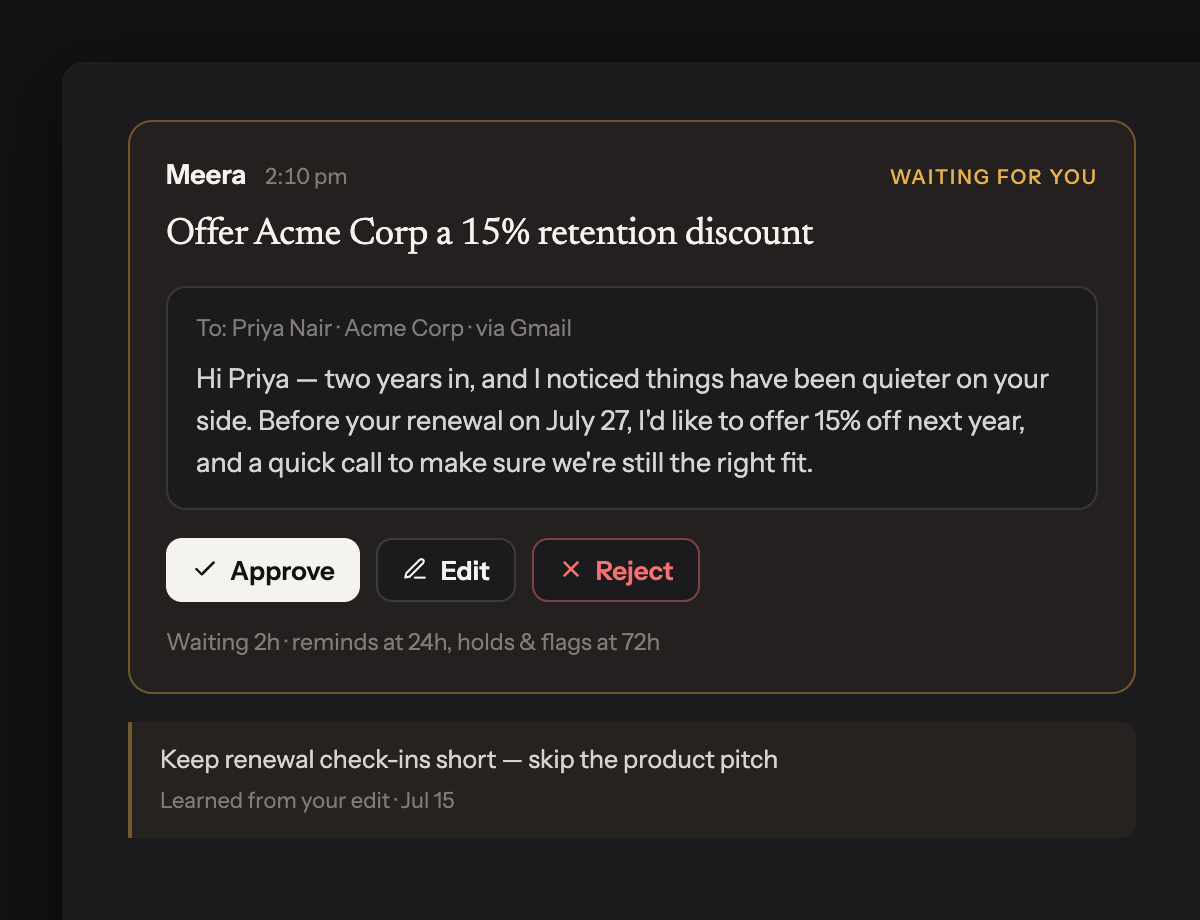
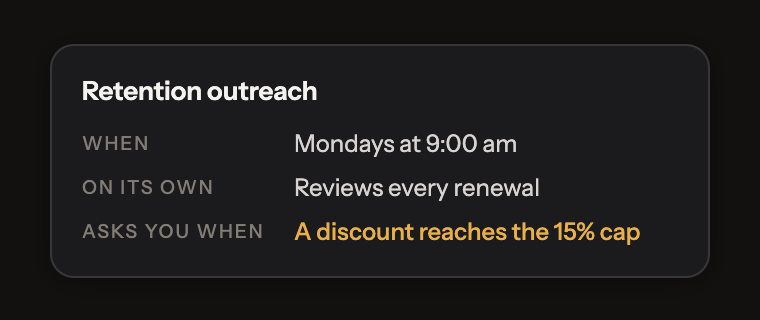
Anything that leaves the building waits for your yes.
Outbound emails, money moves, anything a customer sees — it all waits in your approval feed with full context. Edit before sending, and your agent remembers how you like it done.
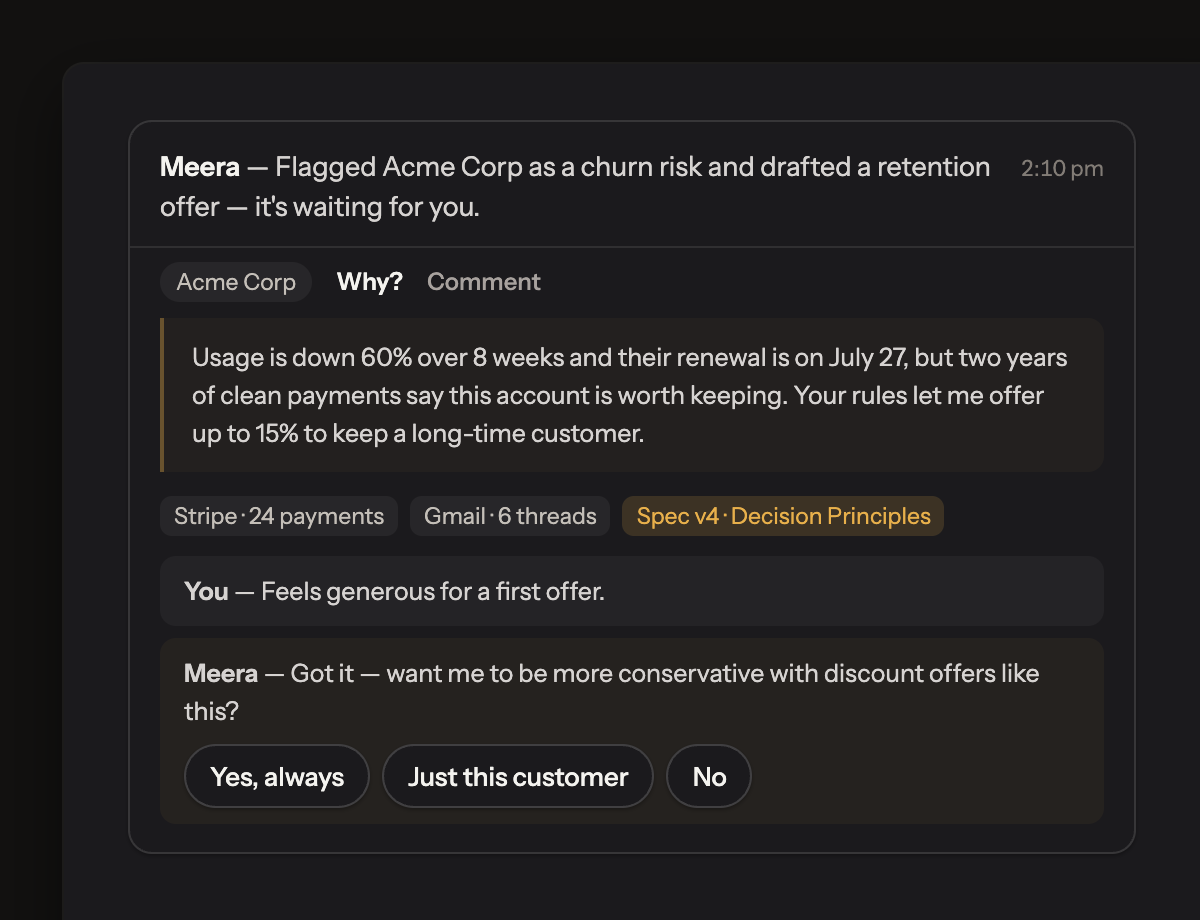
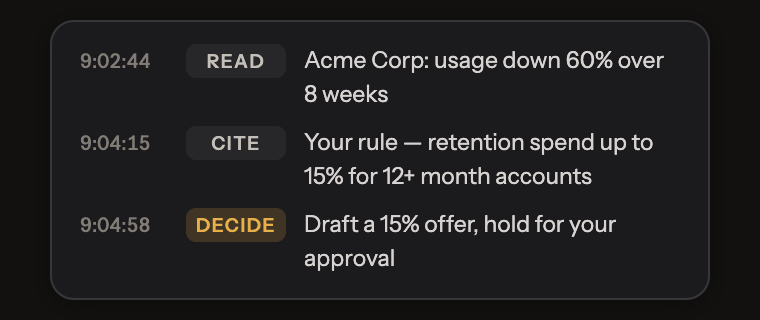
Every action explains itself, in plain language.
Tap “Why?” on anything your agent did — today or months ago — and get the real answer: what it saw, what it considered, and the rule of yours it followed.
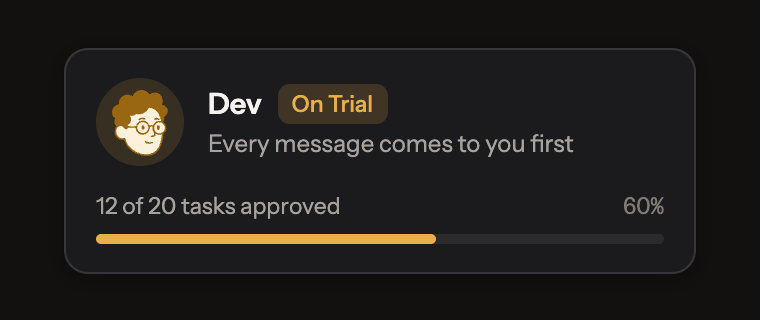
A good team member earns your trust before they earn autonomy. Your agents work the same way.
Works with what you use
Your agents come pre-trained on the tools they use.
 Gmail
Gmail Stripe
 WhatsAppsoon
 Razorpaysoon
 Zoho BookssoonGmailStripeWhatsAppsoonRazorpaysoonZoho BookssoonGmailStripeWhatsAppsoonRazorpaysoonZoho Bookssoon
Hire your first agent today.
We’re onboarding a small number of businesses as pilots. Tell us about yours.